For students · iPhone
Social media stays locked until you study.
That’s what Kettle does. Pick the apps that pull you in. When you open one, answer two quick questions on what you’re studying, and it opens for 20 minutes. Then it locks again.
How it works
Lock. Two questions.
Whistle. Scroll.
 Boil first.
Scroll after.Unlock for today1You open Instagram.
A Screen Time shield covers it: “Boil first. Scroll after.”
- Quick Check · 1 of 2Bio 101What do the light reactions give the Calvin cycle?ATP and NADPH
2Two quick questions.
Answer from memory, on a topic you chose. Miss one and Kettle shows you why.
-
3Your kettle whistles.
That’s a Boil done. You earned the scroll.
- 20min
420 minutes. Then it locks.
Start your window when you’re ready. When it ends, your apps lock again.
On iOS 26.5 or later, one tap on the shield opens Kettle straight onto your first question; on earlier versions you tap a Kettle notification. A longer Topic Review earns 60 minutes. Illustrations and example question, not screenshots.
Set it up
Two minutes
on your iPhone.
- Choose apps to block. Open Kettle and tap Choose apps to block. Your iPhone shows Apple’s own Screen Time permission straight away. You can turn it off later.
- Pick the apps. Tap Choose apps and websites and select Instagram, TikTok, YouTube, games, whatever pulls you in. You can pick single apps, websites or a whole category such as Social.
- Pick what earns your scroll. Choose Learn a little and a topic: a course you’re taking, a language, anything you want to get better at.
- Lock them. Tap Lock them until I’ve done it. Next time you reach for the scroll, the shield is there.
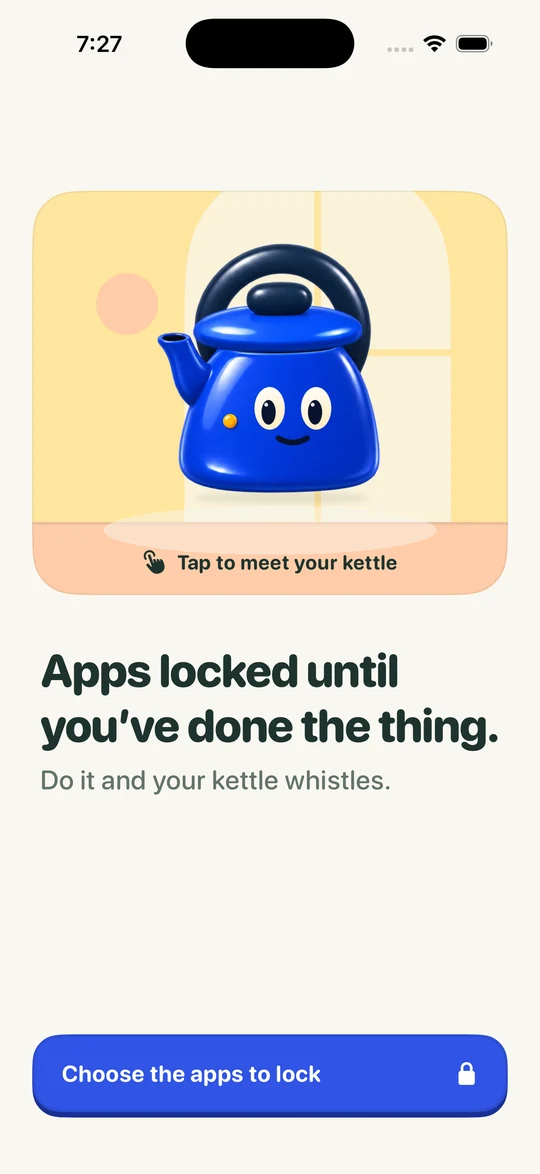
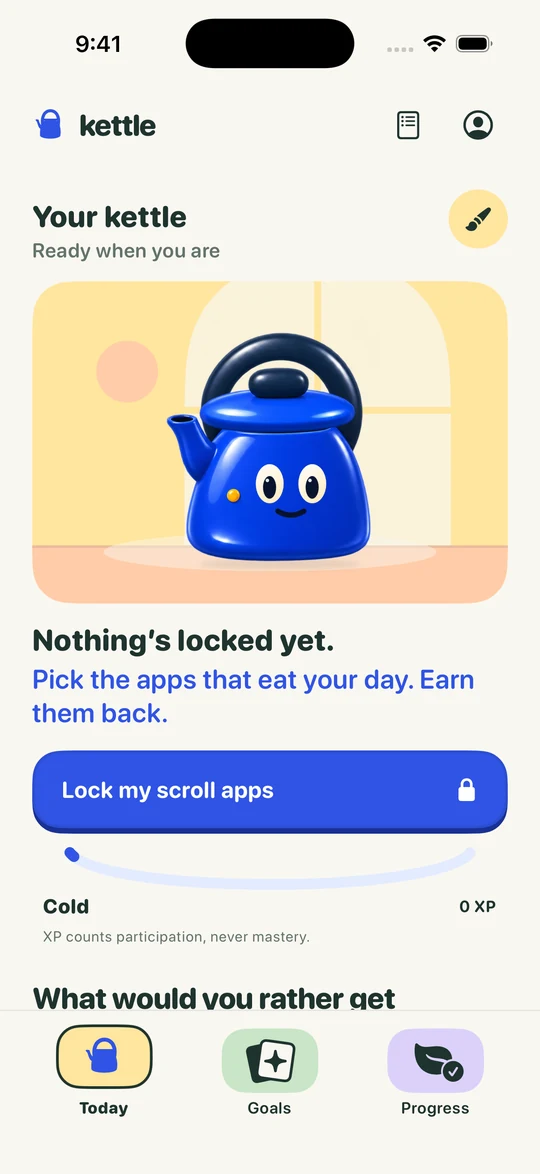
Kettle on iPhone, before you choose the apps to lock.
Why questions
Timers wait you out.
Questions move you on.
Most blockers lock your apps for a set time. You either wait, or you find the off switch. Kettle asks for something small instead: two answers on the course you picked.
So the moment you reach for your phone becomes a tiny bit of revision. Do it a few times an evening and it adds up, without a single long, joyless session.
During finals, set the topic to your next exam. Every unlock becomes a two-question review of what’s on it. When the semester starts again, switch the topic to your newest course.
Good
questions.
Can I still unlock in an emergency?
Yes. Unlock for today is always there, and you can turn blocking off whenever you need to, without paying. It just doesn’t count as a Boil, so your kettle cools a little.
Can Kettle see which apps I use?
No. Apple’s Screen Time keeps your app choices on your iPhone. Kettle can’t see which apps you picked or how long you spend in them.
What happens if I get a question wrong?
Kettle explains the answer and asks another. If two right answers don’t happen within a few tries, review the corrections and you still earn your window. Mistakes don’t keep you locked out.
Is Kettle free?
Your first earned window is free on a new account. After that, earning windows is part of Kettle Pro, a monthly or yearly subscription. The App Store shows the price for your country before you decide. Unlock for today and turning blocking off are always free.
Is Kettle available in the US?
Kettle’s first iPhone release is for Australia. The download page always shows where you can get it right now. Kettle for Chrome is in the Chrome Web Store.
Go on.
Lock the scroll.
Your kettle’s ready when you are.